

Connect with us


Corporate Video


How to Build an AI-Powered Web App Using Claude Code in 2026
.jpg)
Quick Summary:
Choosing the best cross-platform mobile app framework 2026 demands a deep understanding of your business goals, budget, and performance needs. Flutter uses the Skia rendering engine, with Impeller being progressively introduced to improve rendering performance and reduce frame drops, especially on modern iOS and Vulkan-supported devices. React Native, backed by Meta and driven by JavaScript provides immense flexibility, an extensive developer community, and seamless integration with existing web teams.
This comprehensive guide breaks down the Flutter vs React Native performance comparison, analyzes the cross-platform app development cost comparison, and helps you decide which framework will scale your mobile app development business successfully. Whether you want to hire dedicated React Native developers or partner with a top Flutter app development company, we provide the insights you need to make a strategic choice.
Introduction to Mobile App Development in 2026
Building a mobile application requires robust, scalable mobile app development technology. The debate between Flutter and React Native dominates the engineering space because both frameworks allow developers to write a single codebase and deploy it across iOS and Android devices. This approach drastically reduces development time and operational costs.
As user expectations rise, applications must handle complex animations, real-time data synchronization, and on-device machine learning without draining battery life. Your choice of framework directly impacts product scalability, team hiring strategies, and overall time-to-market. To guarantee a successful launch, you must align your technical stack with your long-term business roadmap.
What is Flutter? Pros, Cons, and Capabilities
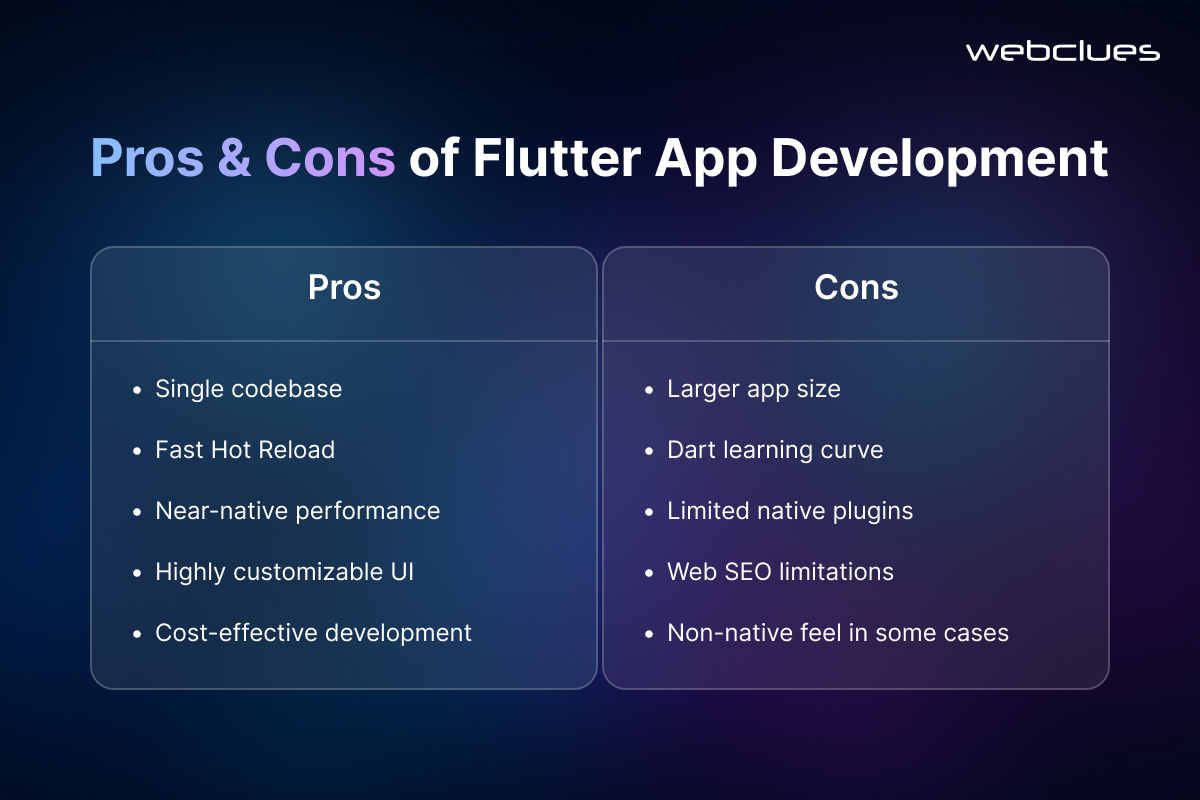
Google created Flutter as an open-source UI toolkit to build natively compiled applications from a single codebase. Using the Dart programming language, Flutter controls every pixel on the screen through its own rendering engine.
Pros of Flutter:
- Predictable Performance: Flutter compiles directly to native ARM code, ensuring fluid animations and fast load times.
- Pixel-Perfect Customization: Because Flutter draws its own UI, your application will look exactly the same across all devices and operating systems.
- Hot Reload: Developers can see code changes instantly, which significantly accelerates the building process.
Cons of Flutter:
- Larger App Size: The built-in rendering engine adds slightly to the overall download size of the application.
- Niche Language: Dart is highly efficient, but fewer developers know it compared to JavaScript. This is why many businesses choose to hire dedicated Flutter app developers through specialized agencies.
What is React Native? Pros, Cons, and Capabilities
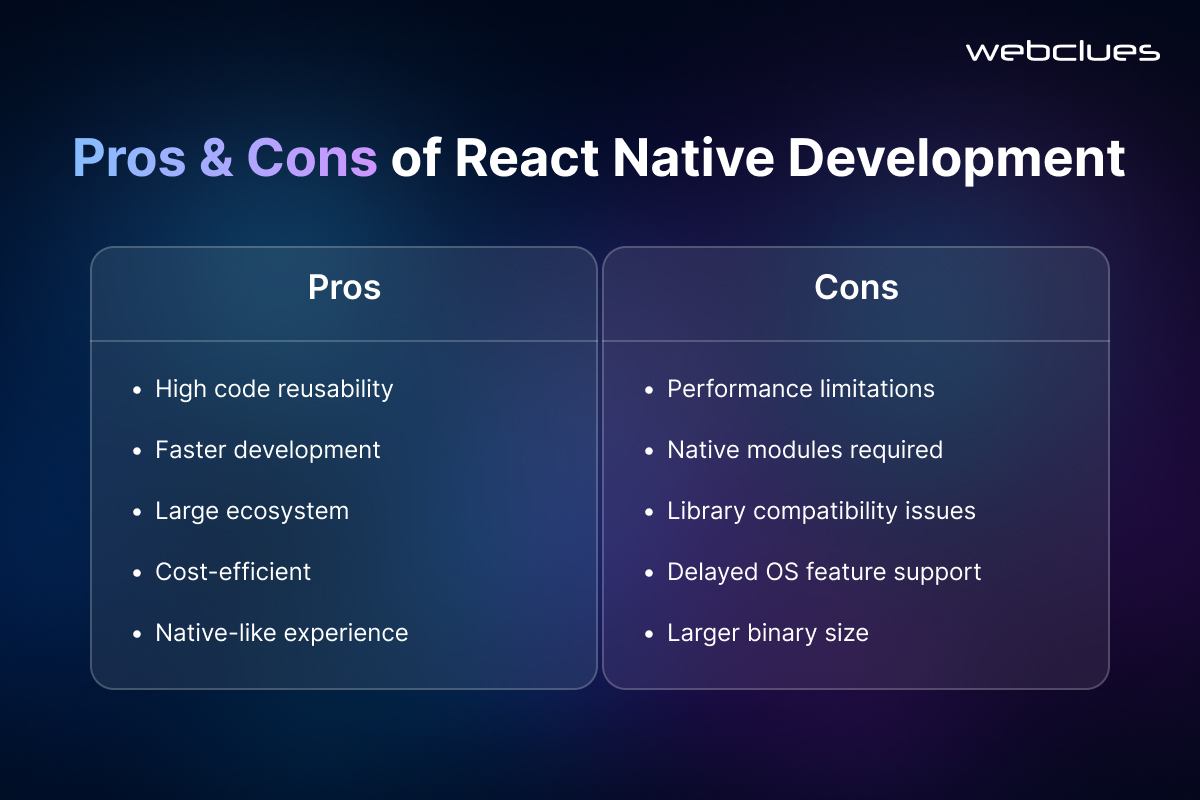
Meta developed React Native to let engineers build mobile applications using JavaScript and React. Instead of rendering its own UI, React Native invokes native platform components, giving the application a deeply familiar, platform-specific feel.
Pros of React Native:
- Massive Ecosystem: JavaScript is everywhere. This makes finding resources, libraries, and developers incredibly easy.
- Code Reusability: Web teams already familiar with React can transition smoothly to React Native app development services.
- Over-the-Air Updates: You can push minor patches and fixes directly to users without requiring them to download an update from the app store.
Cons of React Native:
- UI Inconsistencies: Because React Native relies on native components, an element might look slightly different on an iPhone compared to an Android device.
- Complex Debugging: Tracing errors across the JavaScript thread and the native environment can occasionally consume extra development time.
Mobile App Development Frameworks Comparison 2026
When evaluating the cross-platform mobile app development frameworks comparison 2026, you must look beyond basic features and examine how these tools perform under heavy enterprise workloads.
Flutter operates with a highly structured, self-contained architecture. This makes it an incredibly scalable mobile app development technology. React Native utilizes a more flexible, component-based architecture.
Through recent updates like the New Architecture (Fabric), React Native has significantly reduced the latency that used to exist between the JavaScript thread and native modules.
Flutter vs React Native Performance Comparison
Performance dictates user retention. In a direct Flutter vs React Native performance comparison, Flutter generally takes the lead for compute-heavy tasks and complex animations. Because Flutter compiles ahead-of-time (AOT) to native machine code, it bypasses the need for a bridge to communicate with the device's hardware.
React Native traditionally relied on a JavaScript bridge. While the Hermes engine and JSI (JavaScript Interface) have optimized this process immensely, Flutter still holds a slight edge when processing high-fidelity graphics, real-time financial charts, or complex gaming interfaces. However, for standard e-commerce, content delivery, and social networking applications, users will not notice a difference between the two frameworks.
Flutter vs React Native for UI Performance
When optimizing for visual appeal, you must consider Flutter vs React Native for UI performance.
Flutter acts like a blank canvas. It uses an extensive catalog of pre-built "widgets" that replicate native design languages perfectly. If you want a deeply customized, heavily branded user interface that looks identical on every single device, you need Flutter app development services.
React Native maps your code to actual native components. A button coded in React Native will render as a native iOS button on an Apple device and a native Android button on a Google device. This provides an authentic feel for users who are fiercely loyal to their specific operating system.
Programming Languages: Dart vs JavaScript
The foundation of your application rests on the programming language it uses.
Dart is an object-oriented, strongly typed language. It provides excellent tooling and a highly structured environment, which helps catch errors during the compilation phase rather than during runtime. This rigid structure makes it an excellent choice for large-scale enterprise projects.
JavaScript remains the most popular programming language globally. It offers massive flexibility. If your company already maintains a robust web application built with React, choosing a React Native app development company allows you to share business logic and expertise across both your web and mobile teams.
Cross-Platform App Development Cost Comparison
Both React Native and Flutter are generally more cost-efficient than native app development, often reducing overall development expenses by approximately 30–50%. The actual savings depend on app complexity, team structure, and long-term maintenance requirements.
React Native typically offers lower initial development costs due to the large global pool of JavaScript developers, which reduces hiring time and accelerates MVP delivery. Flutter, while slightly more specialized in terms of talent availability, often delivers stronger cost efficiency over the product lifecycle due to its architecture and reduced cross-platform UI inconsistencies.
Direct Cost Comparison (2026 Estimates)
| Cost Factor | React Native | Flutter |
| Senior Developer Salary (Annual) | $125,000 – $160,000 | $135,000 – $180,000 |
| Hourly Rate (US/EU) | $70 – $150/hr | $80 – $165/hr |
| MVP Development Time | 14 – 20 weeks | 12 – 16 weeks |
| Maintenance Cost | Higher (dependency variability) | Lower (~15–20% less over 2–3 years) |
| Code Reusability | 80% – 95% | 95% – 100% |
Key Financial Drivers
Hiring & Talent Availability
React Native benefits from the scale of the JavaScript ecosystem, making it easier and faster to hire developers. Flutter, built on Dart, has a comparatively smaller talent pool, which can result in a moderate premium for experienced engineers, especially in enterprise markets.
Development Speed
Flutter often enables faster MVP delivery due to its consistent rendering engine and extensive built-in UI components. React Native can require additional effort for native module integration and resolving platform-specific UI variations, depending on the app architecture.
Long-Term Maintenance
Flutter generally demonstrates lower long-term maintenance overhead, largely due to tighter control over its core framework and reduced dependency fragmentation. React Native apps may experience higher maintenance effort over time due to reliance on third-party libraries and periodic breaking changes in the ecosystem.
Cost Lifecycle Perspective
React Native is often more cost-efficient in the short term, especially for startups prioritizing rapid hiring and quick market validation. Flutter tends to perform better over a longer horizon, particularly for applications requiring consistent UI behavior across mobile, web, and desktop with lower technical debt accumulation.
Typical Project Cost Ranges (USA Benchmarks)
- Simple Application: $15,000 – $40,000+
- Medium Complexity Application: $25,000 – $85,000+
- Complex Enterprise Application: $50,000 – $150,000+
Which is Better Flutter or React Native for Startups vs Enterprises?
Business leaders frequently ask: which is better , Flutter or React Native for startups? For startups needing to validate an idea quickly, React Native is often the best framework for mobile app development business. It allows you to leverage existing web developers, tap into a massive library of pre-built components, and push a minimum viable product to market rapidly.
Conversely, finding a reliable Flutter app development company for enterprise apps makes strategic sense for established organizations. Enterprises require stringent security, highly consistent user interfaces, and the ability to scale massively without performance drops. Flutter's robust architecture handles complex state management and high data volumes beautifully.
Future Scope and Trends in Mobile App Development in 2026 and Beyond
The evolution of cross-platform mobile app development is accelerating as both Flutter and React Native continue to mature into full-scale application frameworks rather than just mobile development tools. The focus is now shifting toward unified development ecosystems that support mobile, web, desktop, and emerging device categories from a single codebase.
Flutter is steadily expanding beyond mobile-first development and strengthening its position as a true multi-platform UI framework. With stable support for web applications and desktop environments, including Windows, macOS, and Linux, it is increasingly being adopted for building consistent, high-performance applications across multiple operating systems.
Its rendering engine and architecture allow developers to maintain a uniform UI experience without relying on platform-native components, which is particularly valuable for brands prioritizing design consistency at scale.
React Native is undergoing a significant architectural transformation with its New Architecture, which removes the traditional JavaScript bridge and introduces direct communication between JavaScript and native modules.
This shift improves performance, reduces latency, and brings it closer to native-level responsiveness. Combined with continuous improvements in the Hermes engine and ecosystem maturity, React Native remains a strong choice for teams prioritizing flexibility and rapid development cycles.
Looking ahead, both frameworks are expected to coexist as dominant solutions in the cross-platform ecosystem. Their evolution is being driven by enterprise demand for faster development cycles, reduced maintenance overhead, and seamless multi-device deployment strategies.
Why Choose Webclues for Your Mobile App Development Needs?
Selecting the right framework is only half the battle. You need an experienced engineering partner to execute your vision. At Webclues, we specialize in delivering high-converting, deeply secure, and impeccably designed mobile applications.
Whether you need to hire dedicated React Native developers to scale your consumer app or require comprehensive Flutter app development services to launch an enterprise-grade platform, our team possesses the technical mastery to deliver.
We optimize your code for speed, security, and exceptional user experience. Connect with us now to partner with a premier React Native and Flutter app development company today to build a product that dominates your industry.
Post Author

Nikhil Patel
Nikhil Patel, a visionary Director at WebClues Infotech, specializes in leveraging emerging tech, particularly Generative AI, to improve corporate communications. Through his insightful blog posts, he empowers businesses to succeed digitally.


Build Your Agile Team
Hire Skilled Developer From Us
Build Your AI Web App Using Claude with Enterprise AI Experts
Turn your product idea into a scalable, production-ready AI application with WebClues Infotech. Our AI web app development services have an engineering team that specializes in building modern web apps using agentic AI workflows like Claude Code, Next.js, and cloud-native architectures. From system design to deployment, we help you reduce development time, improve scalability, and launch faster without compromising quality. If you are planning an AI-driven SaaS or enterprise platform, now is the right time to move from concept to execution with a team that understands both AI and real-world product engineering.
Get a Quote!Frequently Asked Questions
Our Recent Blogs
Sharing knowledge helps us grow, stay motivated and stay on-track with frontier technological and design concepts. Developers and business innovators, customers and employees - our events are all about you.