AI in
Why Traditional Workflow Automation Struggles With Complex Processes
Predictable workflows are good for predictable inputs, but when inputs are dynamic and exceptions or context extend beyond system boundaries, the traditional approach to workflow automation is less effective.
Rigid Rules
Pre-defined conditions have difficulty with adapting to varying inputs and unexpected situations.
Manual Handoffs
Staff members hand off work to other departments or applications over and over.
Unstructured Data
Emails, documents and free text requests have to be interpreted first before they can be processed.
Exception Recovery
Unexpected errors and conflicts with policies halt automated processes.
Disconnected Systems
Fragmented applications create data gaps and additional coordination.
Limited Decision-Making
Rules-based workflows aren't capable of interpreting all situations that are outside of the configured rules.
How AI Transforms Business Workflow Automation
AI provides context and decision support for automation, allowing businesses to seamlessly move work between systems with minimal waste of human effort.
Intelligent Task Routing
Categorize incoming requests and route them to the right team or workflow.
Context-Aware Decisions
Apply business context and rules to make appropriate decisions.
Automated Data Processing
Summarize, classify and validate information from documents and messages.
Exception Handling
Determine missing information, mark discrepancies and refer unresolved to review.
Cross-System Coordination
Trigger actions, and synchronize information across connected business applications.
Workflow Visibility
Trace the status of tasks, processing results, failures and pending approvals.
Core AI Capabilities for Intelligent Workflow Automation
WebClues Infotech builds AI-powered workflow solutions that seamlessly blend intelligent processing with managed execution and enterprise system integration.
Intelligent Document Processing
Extract all relevant fields from invoices, forms, contracts and other documents; validate information prior to downstream processing.
Context-Aware Decision Support
Interpret requests, based on approved business data, internal documentation & defined policies, to make appropriate recommendations.
Task Routing/Workflow Orchestration
Communicate and share information about tasks, dependencies, approvals, notices and handoffs between departments and applications.
Enterprise API & System Integration
Integrate AI features with compatible APIs, databases, CRM, ERP and other business systems for seamless workflows.
Exception Detection and Handling
Locate incomplete records, mismatched values and processing errors. Use pre-defined recovery logic, or escalate un-resolved exceptions.
Human-in-the-Loop Governance
Add approval checkpoints, scoped permissions, validation rules and audit logs to keep track of sensitive operations.
AI Workflow Automation vs. Traditional Workflow Automation
Traditional workflow automation executes predefined sequences, while AI workflow automation adds the ability to interpret variable inputs and support context-dependent decisions. The appropriate approach depends on process complexity, data quality, operational risk and integration requirements.
| Feature | Traditional Workflow Automation | AI Workflow Automation |
|---|---|---|
1Input Handling | Structured fields and predefined formats | Structured and unstructured inputs |
2Decision-Making | Fixed conditions and rules | AI-assisted contextual interpretation |
3Workflow Execution | Predetermined sequences | Configurable flows with AI-driven decisions |
4Adaptability | Requires rule updates for new scenarios | Can handle some variations within defined boundaries |
5Exception Handling | Predefined fallback paths | Exception classification, recovery or escalation |
6System Interaction | Configured integrations and triggers | Integrations combined with AI-driven processing |
7Human Involvement | Manual handling of exceptions | Risk-based review and approval checkpoints |
8Monitoring | Task status and execution logs | Execution status, AI outputs, errors and outcomes |
AI Workflow Automation Use Cases
Across Business Functions
AI workflow automation helps departments coordinate repetitive tasks, interpret information and move work through connected systems. The following use cases illustrate where AI can support practical business processes.

Sales Operations
Qualify incoming leads, update CRM records, prioritize follow-ups and notify sales representatives of relevant changes.

Marketing Operations
Coordinate content approvals, classify campaign feedback, summarize performance data and trigger reporting workflows.
HR and Recruitment
Process application documents, coordinate interview scheduling, support candidate matching and manage onboarding tasks.

IT Service Management
Classify incidents, correlate alerts, retrieve troubleshooting documentation and route unresolved issues to technical teams.

Compliance Operations
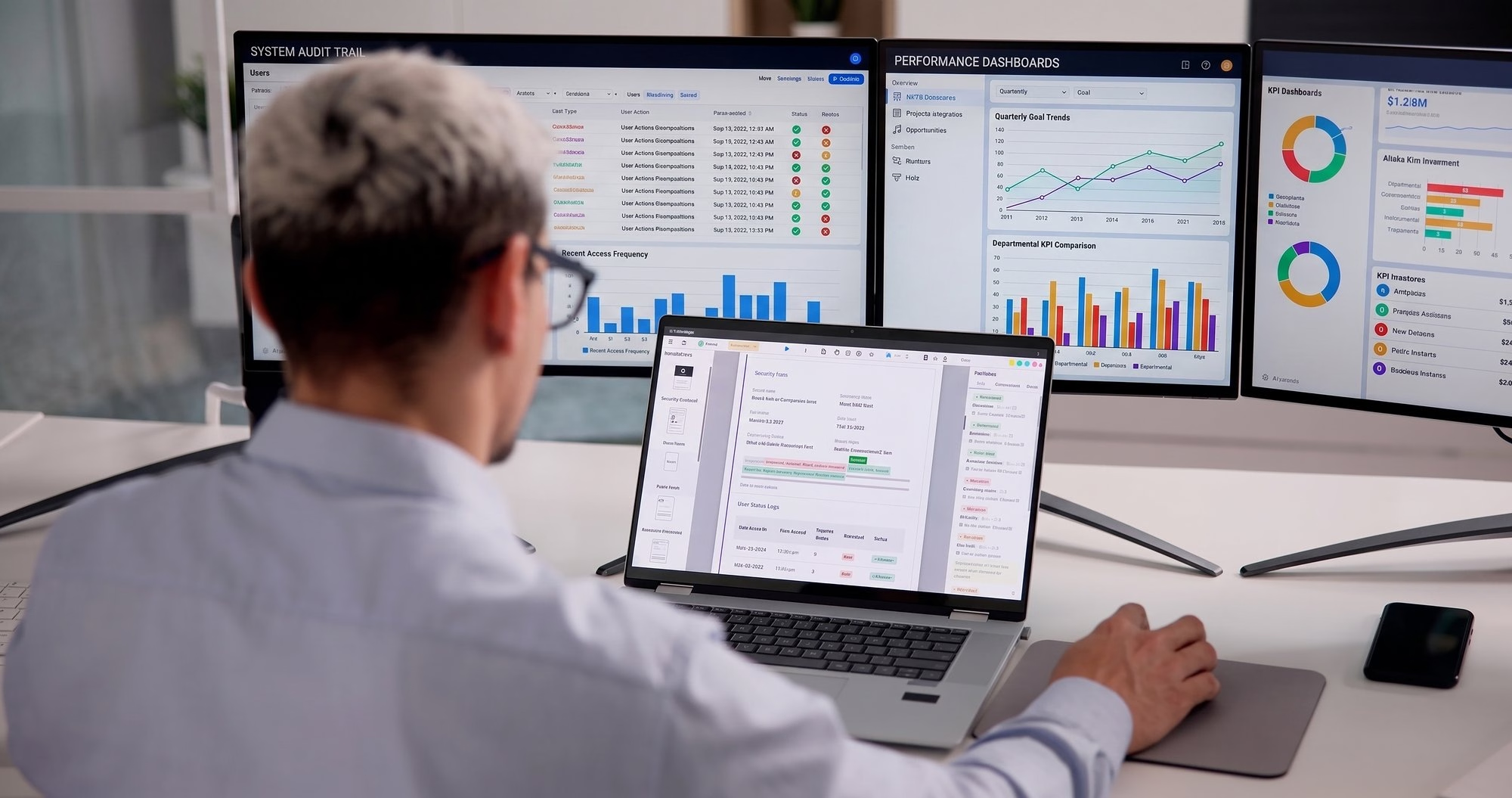
Collect supporting documentation, validate required fields, flag policy exceptions and organize records for human review.
Finance and Accounting
Extract invoice details, match purchase orders, identify discrepancies and route exceptions for approval.

Customer Support
Classify customer requests, identify urgency, retrieve relevant knowledge and route cases to appropriate support teams.
Industry-Specific Applications of AI Workflow Automation
AI workflow automation can be tailored to industry-specific processes, data requirements, operational constraints and regulatory obligations.
Manufacturing
Coordinate maintenance requests, process quality inspection records and route production exceptions.
Retail and E-Commerce
Process order changes, coordinate returns, check inventory information and manage fulfillment exceptions.
Banking and Financial Services
Support transaction review, process financial documents and route suspicious activity for investigation.
Healthcare
Coordinate appointments, process administrative documentation and route incomplete patient records to authorized staff.
Logistics and Supply Chain
Track shipment exceptions, coordinate delivery updates and route supplier or inventory disruptions.
Insurance
Extract claims information, validate supporting documents, identify missing evidence and route cases for assessment.
SaaS and Technology
Coordinate software release tasks, classify support incidents and automate internal knowledge retrieval.
Professional Services
Coordinate project onboarding, process client documents, manage approvals and prepare recurring reports.
Telecommunications
Classify service requests, coordinate troubleshooting steps and escalate unresolved technical issues.
Energy and Utilities
Process maintenance requests, route operational alerts and coordinate inspections and incident reporting.
What Businesses Gain From
AI Workflow Automation
AI workflow automation helps businesses improve efficiency, accuracy and process visibility.
- 30% Lower Processing Costs through reduced manual effort.
- 2× Faster Task Execution through automated routing and approvals.
- 24/7 Workflow Availability for continuous task processing.
- 50% Fewer Manual Handoffs across connected teams.
- 100% Workflow Visibility through real-time status tracking.

Our AI Workflow Automation Development Process
WebClues Infotech follows a structured development approach to align AI capabilities with business objectives, technical requirements and operational constraints.
Workflow Assessment
Review existing workflows to identify manual steps, bottlenecks, decision points and opportunities for AI-driven automation.
Use-Case Prioritization
Select workflows based on business value, feasibility, implementation effort, risk and measurable success criteria.
Data and Integration Planning
Identify required data sources, APIs, system permissions, validation rules and security requirements.
AI Workflow Design and Development
Build AI processing components orchestration logic, task routing, recovery paths and approval checkpoints.
Testing and Deployment
Evaluate output accuracy, integration behavior, access permissions, exception handling and end-to-end workflow performance.
Monitoring and Optimization
Track processing time, error rates, AI quality, costs and workflow outcomes to guide ongoing improvements.
Enterprise Systems and Tools for AI Workflow Integration
Connect AI-enabled workflows with the systems your business already uses to exchange information, initiate actions and coordinate tasks. Integration options depend on available APIs, platform capabilities, authentication and access permissions.
SAP
Oracle
Microsoft Dynamics 365
Salesforce
HubSpot
Zoho CRM
Jira
Jira Service Management
ServiceNow
Microsoft Teams
Slack
SQL
Enterprise Databases
Knowledge Bases
Internal Applications
Third-Party APIs
Custom Services
AI Workflow Automation
Challenges and Risk Controls
Deploying AI into business workflows requires careful attention to data quality, system integration, execution permissions and operational reliability.
Why Choose WebClues for AI Workflow Automation Development
WebClues Infotech creates AI workflow automation solutions that match intelligent processing with business rules, enterprise systems and business operational requirements. We aim to create workflows that are easily deployable, controlled and measurable.
Business-Process Alignment
Automating business processes around workflow and obstacles, and around well-defined business goals.
Contextual AI Integration
Integrate relevant business data and approved knowledge sources to make better-informed decisions along the workflow.
Flexible Workflow Architecture
Integrate AI models, deterministic rules & orchestration logic in a flexible way, depending on the complexity and risk of each workflow process.
Enterprise Application Connectivity
Connect supported APIs, databases, CRM, ERP and other business applications to coordinate information and actions.
Controlled AI Execution
Set permission levels, validate outputs, define approval points and exception-handling rules to manage operational risk.
End-to-End Workflow Testing
Test data handling, integration behavior, failure recovery and data processing accuracy before production.
Performance Monitoring
Monitor cycle time, error rates, exception volume, operating cost and other related KPIs to pinpoint areas for improvement.
The Ability to Scale
Create a base that can support other workflows, integrations and data processing needs as businesses grow.
Emerging Trends in AI
Workflow Automation
The evolution of AI workflow automation now extends beyond the automation of tasks to connected AI workflows, encompassing AI interpretation, deterministic execution and human oversight. The evolution of these is transforming the way businesses plan, manage, and assess automated processes.
Agentic Workflow Execution
AI agents can orchestrate series of allowed actions among connected tools, and access limits and escalation rules limit their actions.
AI and Deterministic Orchestration
AI can be used for variable inputs and context interpretation, while traditional workflow engines are used for predictable and rule-driven execution.
Risk Based Human Oversight
Workflows can allow routine cases to go through the automated path, but for high-impact decisions, policy conflicts, and uncertain outputs, human approval will be required.
Context Engineering for Enterprise Workflows
Structured business definitions, internal documentation and relevant operational data can help AI systems interpret requests within the correct business context.
Workflow Observability and Evaluation
Monitoring is evolving from task completion to monitoring AI output quality, tool execution, exception patterns, processing costs, end-to-end outcomes.
Cross-System AI Coordination
Integration patterns allow workflows to share info & coordinate tasks across CRM, ERP, ITSM, and other systems based on capabilities & permissions.
Reimagine Your Business
Workflows With AI Automation
Move beyond repetitive manual processes with AI-enabled workflows designed around your business requirements. Connect enterprise systems, streamline decisions and improve operational visibility with custom workflow automation solutions from WebClues Infotech.
Discuss Your AI ProjectFrequently Asked
Questions
Contact Information
India
Ahmedabad
1007-1010, Signature-1,
S.G.Highway, Makarba,
Ahmedabad, Gujarat - 380051
Rajkot
1308 - The Spire, 150 Feet Ring Rd,
Manharpura 1, Madhapar,
Rajkot, Gujarat - 360007
UAE
Dubai
Dubai Silicon Oasis, DDP,
Building A1, Dubai, UAE
USA
Atlanta
6851 Roswell Rd 2nd Floor,
Atlanta, GA, USA 30328
New Jersey
513 Baldwin Ave, Jersey City,
NJ 07306, USA
California
4701 Patrick Henry Dr. Building
26 Santa Clara, California 95054
Australia
Queensland
120 Highgate Street,
Coopers Plains,
Brisbane, Queensland 4108
UK
London
85 Great Portland Street, First
Floor, London, W1W 7LT
Canada
Burlington
5096 South Service Rd,
ON Burlington, L7l 4X4
Let’s Transform Your Idea into
Reality. Get in Touch